Whether you sell yourself as a business owner or run a sales team across several regions: Claude can take over the work around the conversation, step by step.
 ClaudeYouResearches web, register and CRM
Picks the target group
Writes a personal message
Approves
Tells you who to call or email
Calls or emails
Writes the report
Has the conversation
Drafts the quote
Decides and sends
Claude doesn't sell anything.
Claude gives the sales team
more time for conversations.
Before the first contact
It starts with the target group: sector, region and size. Within it, Claude looks for companies and the right contact person, in the campaign tool's database, on LinkedIn or among the companies that visited your website. Every lead that passes the checks goes neatly into the CRM and into the right campaign in one go. Nobody has to export and import lists anymore.
Most damage in sales is done before anything is sent: an existing customer you write to as if they don't know you, or two colleagues approaching the same company. That's why Claude checks every lead first:
- Are they already a customer? Claude looks in the accounting system and the CRM.
- Is there a deal running? Then the company doesn't go into a campaign, and the owner of that deal is notified.
- Has anyone at this company been contacted already? At company level, not per person.
- Is it worth it? From the annual accounts in the Belgian company register (KBO), Claude estimates the potential: high, medium or low. The best candidates come first.
- Which language? Claude looks at the municipality, the LinkedIn profile and the language the person writes in.
Then Claude looks up on the web what the company does and for whom, and writes a personal line for the first message based on that. Company and contact go into the CRM straight away, with that analysis and the campaign they're in. That way everyone knows who has already been contacted.
Checked
What they do
Installs and maintains heating, cooling and ventilation in offices and care facilities. Lots of maintenance contracts, its own team of technicians. Looking for an extra planner in a job ad.
Personal line
With so many maintenance contracts in offices and care facilities, planning your technicians probably takes up a lot of time.
The first part of that personal line comes from the analysis, the second is a careful estimate. Claude never writes "I noticed you lose a lot of time", because it doesn't know that, and it doesn't use figures it can't verify. We wrote down those rules after our own campaigns, because otherwise an AI easily makes up something that's just wrong.
A generic line costs you nothing.
A line that's wrong costs you the customer.
In each salesperson's own style
A message goes out from a salesperson's profile or mailbox, so it has to sound like that salesperson. That's why Claude, with their consent, reads the emails they sent over the past year and turns them into a personal writing style: how they open and close, whether they write formally or informally, which words they use and which never. Whoever speaks to the salesperson afterwards notices no difference.
The campaign: the tool sends, Claude writes
Sending is done by a campaign tool such as Lemlist, which we use ourselves and set up for clients. It sends at spread-out times, waits between steps and stops as soon as someone replies. Through the integration with Claude, campaigns are prepared, leads added and replies read. A typical LinkedIn campaign:
- A connection request, without a note, from the salesperson's own profile.
- Waiting until the request is accepted, three weeks at most.
- One message a day later, with the personal line and one no-strings question.
No string of pushy follow-ups and no price in the first message. Claude prepares everything, but a person starts the campaign, after a look at the preview. You can't take back a connection request.

Example: a sales team across several regions
We're setting this up now for a wholesaler with a sales team that supplies businesses and the hospitality sector: every salesperson with their own campaign through their own LinkedIn. The key agreement is "one company, one salesperson". Lemlist only blocks duplicates per person, so two contacts at the same company can end up with two salespeople. That's why each salesperson gets the companies in their region, based on the company's address, and Claude checks whether a company is already somewhere else. In a second step, website visitors are added too: companies that visited the site automatically end up in the campaign for the right region.
Who do you call today?
For the salespeople themselves, one thing changes most: they no longer have to open a dashboard. They simply ask Claude.
Four people replied this week. I'd call three of them today:
- Sarah, Brasserie Het Anker. Replied yesterday "feel free to send some info". They're opening a second venue in January.
- Koen, Bouwbedrijf Lens. Accepted your request and hasn't replied yet, but visited your website this morning.
- Ilse, Kantoren Verhulst. Asked to be called back after the holidays. I set a task for 6 January.
The fourth, Tom from Garage Peeters, replied that they're happy with their current supplier. I've removed him from the campaign.
It also works without asking. At Sevendays I get an overview like this three times a day in Slack, across email, WhatsApp, LinkedIn, calendar and CRM: who I still need to call or email, which quote has been open for a week, and for whom a draft email is already waiting.
Waiting for you
- Installatiebedrijf Wouters asks by email for a price for an integration with their planning (since yesterday)
- Question from a customer about next week's planning, in WhatsApp
Call today
- Noordster Techniek, the operations director replied on LinkedIn yesterday
Ready in your drafts
- Follow-up email to Transport Maes, proposal has been open for ten days
- Email to Installatiebedrijf Wouters: you'll call back tomorrow
After the conversation
Every conversation is recorded and summarised: online through the meeting itself, on location with a Plaud. The report goes straight into the company brain. How that works, you can read in The report that never came, and which Plaud to choose, in our knowledge base. Claude takes it from there.

One sentence, a clean opportunity
If a lead comes from a campaign, the company and the contact are already in the CRM. After the conversation, one sentence is enough: "I had a conversation with Sarah from Brasserie Het Anker, create an opportunity." Claude then attaches the deal to what's already there, and only creates what's missing.
If the opportunity comes from elsewhere, through a phone call or an introduction, Claude sets up the whole chain, and first checks what already exists:
- The company. Claude searches by website and by name. If it already exists, it fills in what's missing: VAT number, address, activity and the annual accounts from the company register, with an estimate of the potential.
- The contact. Claude searches by email address and watches out for namesakes at other companies. The LinkedIn profile is added, and Claude suggests a connection request.
- The deal. If a deal is already running for this company, Claude updates it. Otherwise it creates a new one, with a salesperson as owner and a first follow-up task.
Only after the salesperson approves does it go into the CRM. Then Claude makes an estimate based on earlier quotes, prepares the proposal and finds a time for the next meeting. Why a proposal as a web page works better than a PDF, you can read in our article on proposals that close more deals.
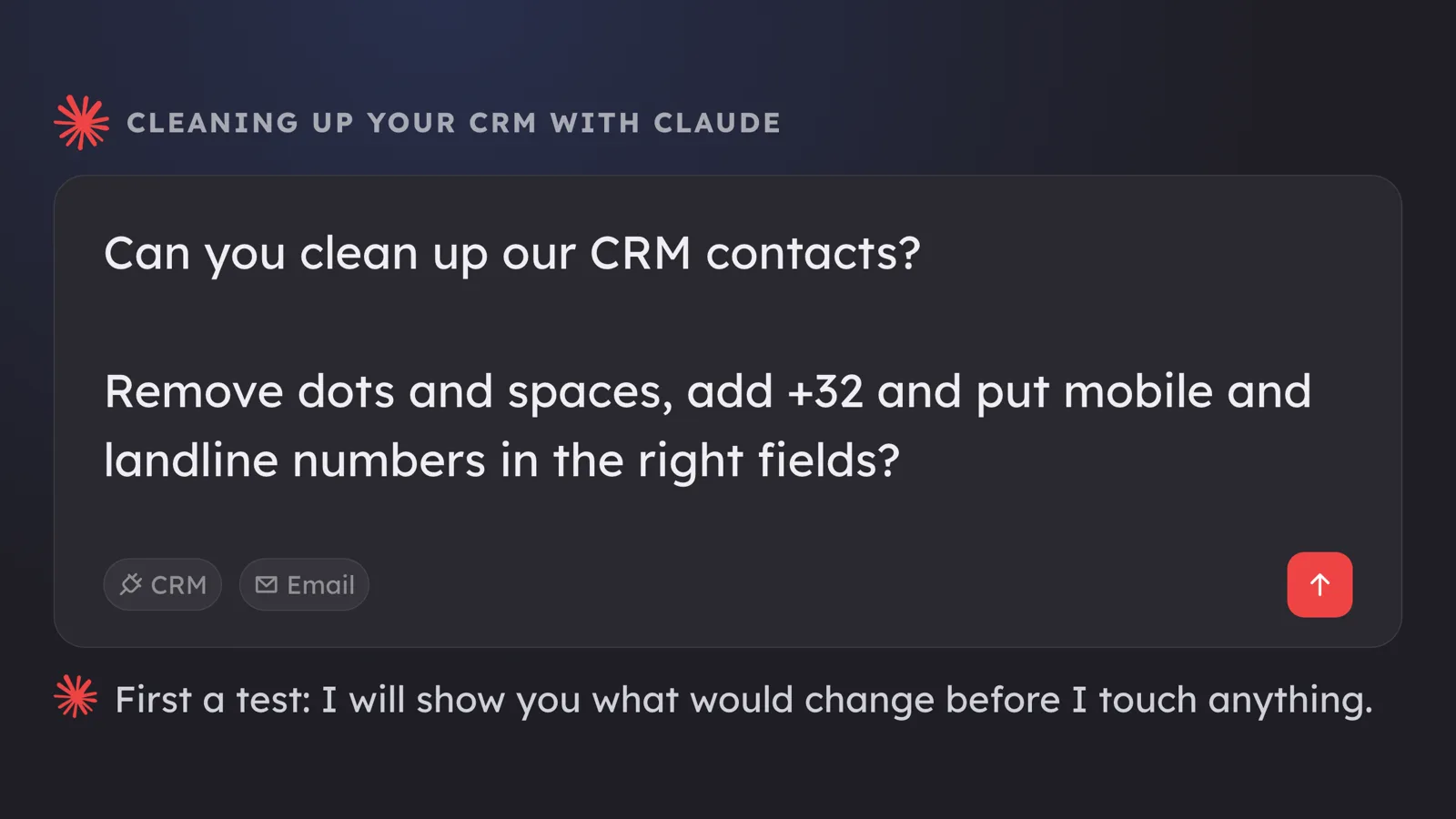
Everything ends up in the same CRM. How to clean it up thoroughly first, you can read in Cleaning up your CRM with Claude.
One company brain under your whole sales process
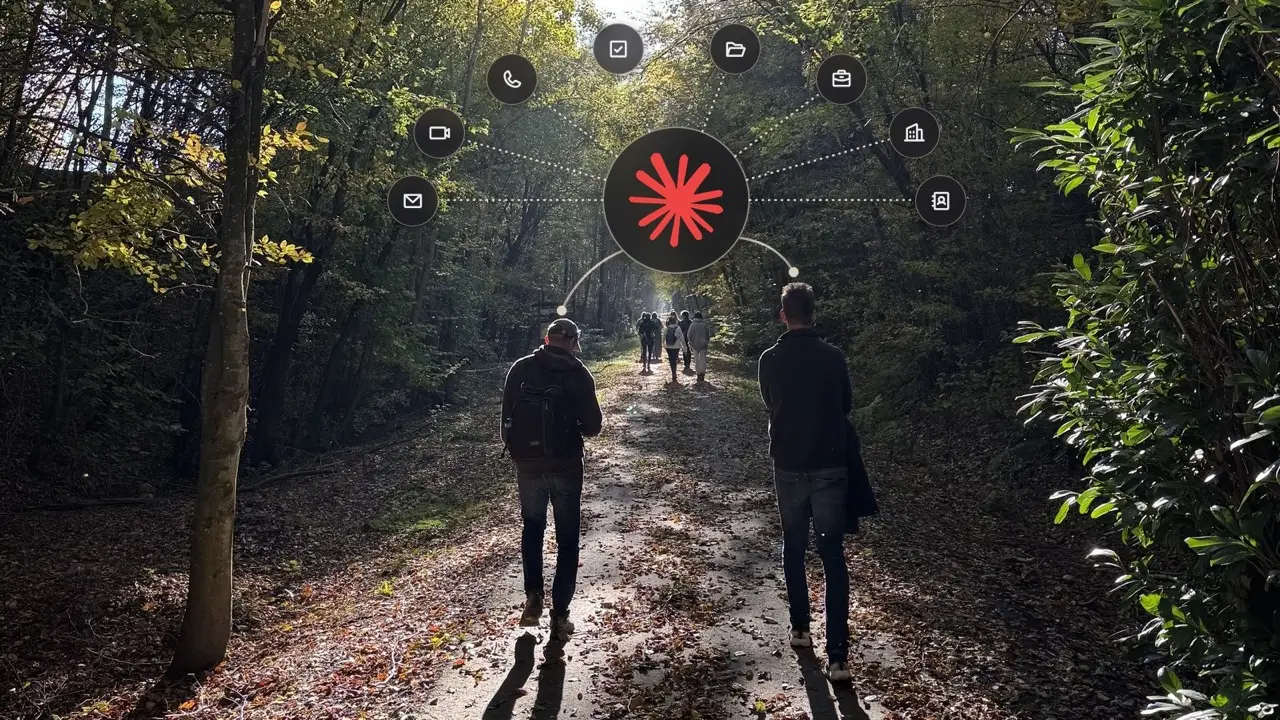
A sales assistant is only as good as what it knows. A standalone ChatGPT knows nothing about your customer or what you proposed to them last year. That's why Claude is connected to a company brain: all emails, meetings, phone calls, quotes and projects in one place, plus the CRM, the calendar and the campaign tool.
What Claude knows
Where Claude works
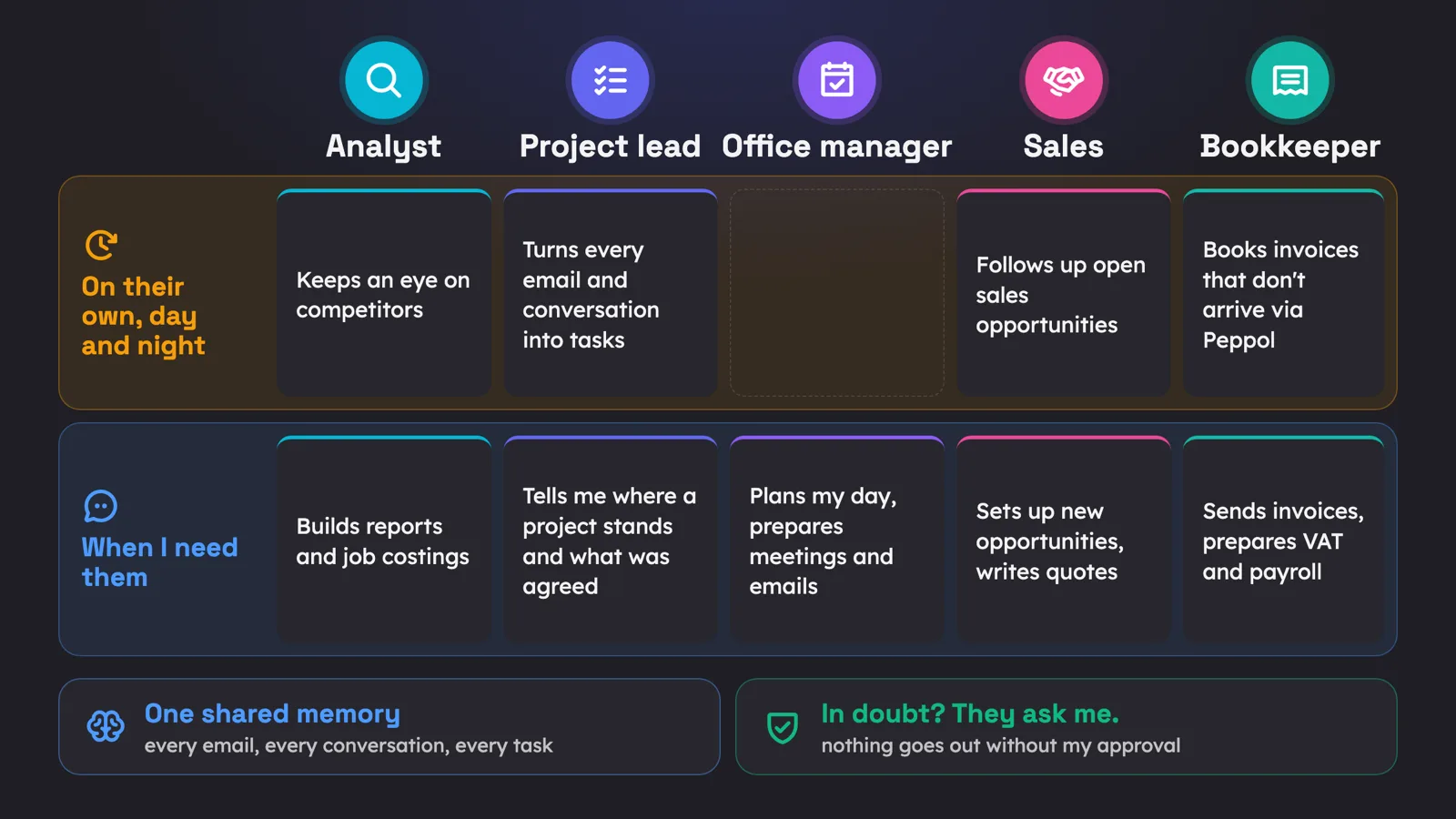
In Claude, those fixed ways of working are called skills: descriptions of how a task is done in your company, with the rules that go with it. That way Claude does it the same way every time, for every salesperson. How that works at Sevendays, you can read in Five AI colleagues working with me day and night.
Where do you start?

Start with one team or one region, one target group and one campaign. First make sure your CRM is right, so you know who is already a customer. Then connect Claude to your CRM and your campaign tool, and write down your own rules: what can and can't go into a first message, and who follows up which company.
Two practical tips. The admin of your Claude subscription adds the integration with the campaign tool once, after which each user turns it on with their own account. And if you connect a LinkedIn profile to a campaign tool, LinkedIn may ask for an identity check that restricts the profile for up to five days. So don't do it the day before your campaign starts.
Also decide what Claude isn't allowed to do. At Sevendays, Claude can't send emails itself, only prepare drafts. If you work with data from customers and potential customers, also read what the law says about AI that reads your emails.
If the first weeks go well, expand to more salespeople, website visitors and the work after the conversation. Not sure where it would pay off most for you? Feel free to ask your question below.