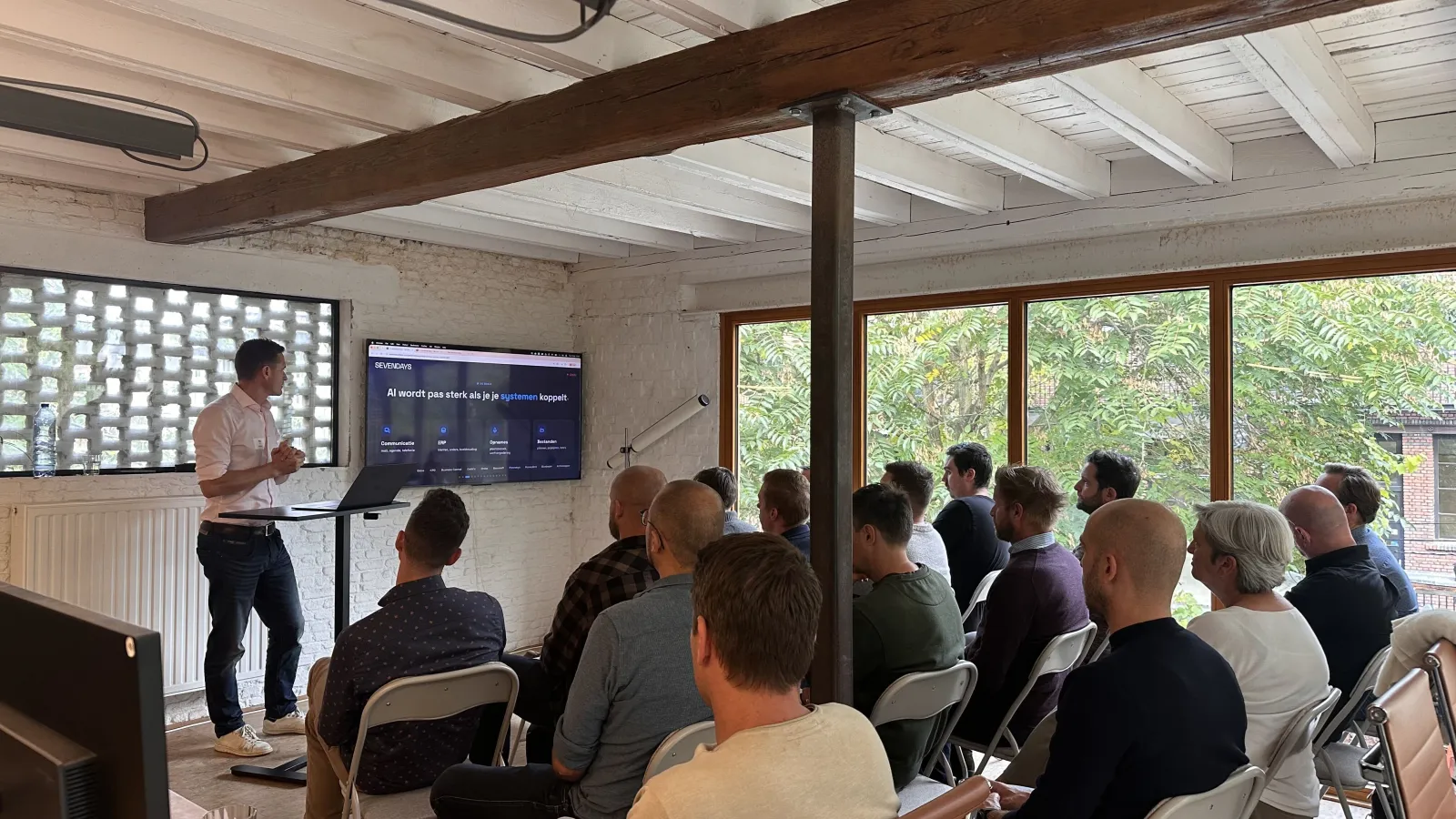
Everyone who signed up got one question beforehand: where does your company lose time today? Fifteen participants answered. Ten of them pointed to email, seven to quotes and six to job costing.
So we skipped the slides about what AI is. We took one job and walked through it from start to finish, with the systems open on the screen.
Connect first, ask later
The first lesson of the afternoon: an AI model that is not connected to your systems can only talk. Your email, your ERP and your work slips already exist digitally. They are just not connected to each other, and certainly not to an AI.
Communication
Email, calendar, phone
ERP
Customers, orders, accounting
Recordings
Site visits, site meetings
Files
Drawings, price lists, photos
- No more copying and pasting. You ask for what you need, and the answer comes from your own systems.
- Common systems take fifteen minutes to connect. A mailbox, a calendar, a shared drive.
- Which AI you use matters little here. The room used Claude, ChatGPT, Copilot and Gemini. We showed it in Claude.
The second lesson: keep together what belongs together. Emails, appointments, reports, drawings, photos, the quote and the work slips for one customer or job go into one project. Then the model knows what it is about, and reminds you in an email of something the customer asked three weeks ago.
One job, seven steps
Our job was fictional: a leaking flat roof above a kitchen. The customer emails a construction company, without an address or a mobile number. From there Claude did the preparation, one question at a time.
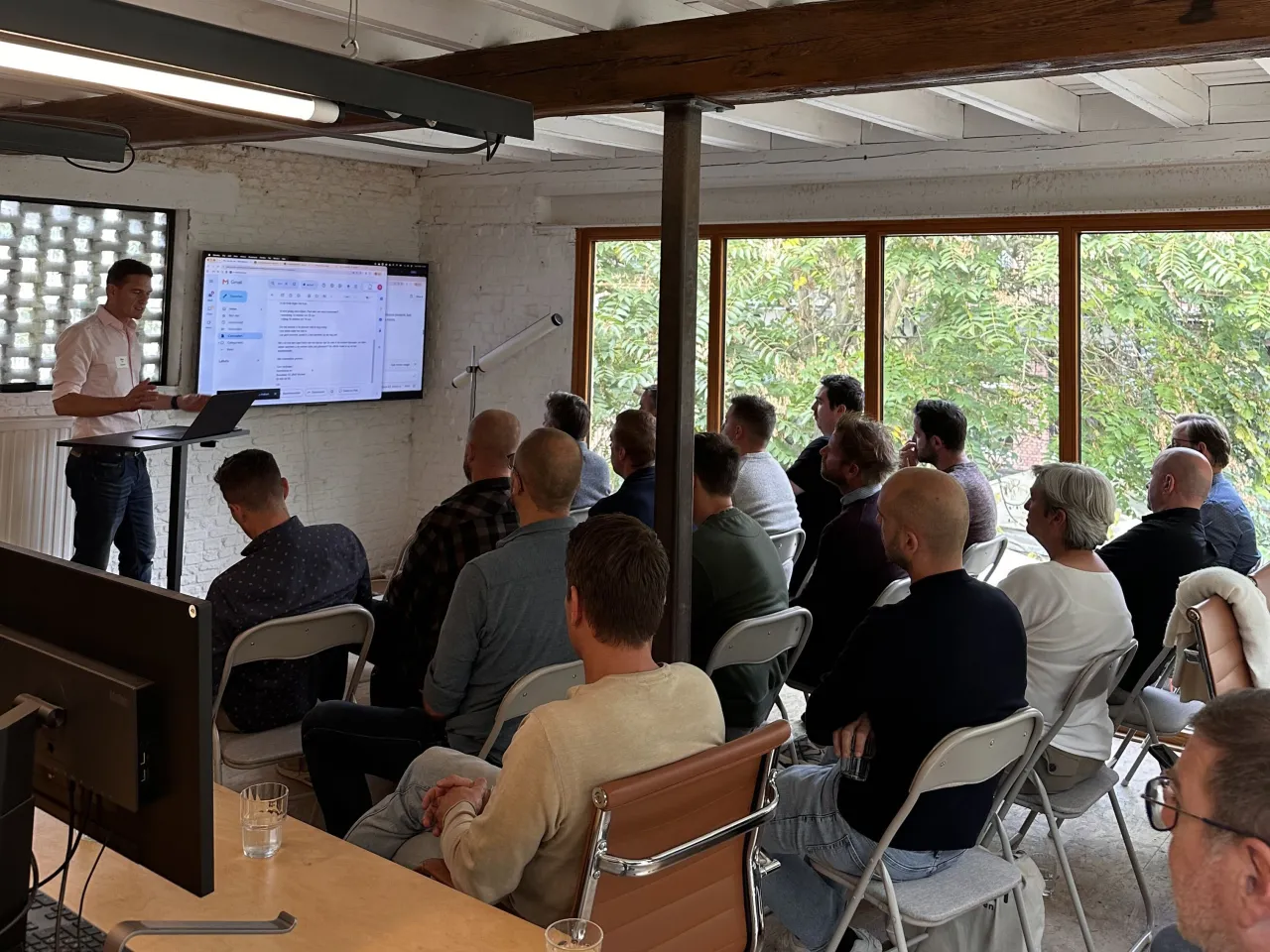
- Email. The request goes into the CRM. A reply is drafted that asks for the address, the mobile number and photos, with two time slots for a site visit.
- Site visit. The visit is recorded and transcribed. How we do that is described in the report that never came.
- Quote. That transcript becomes quote lines, calculated with the company's own item list and rules.
- Order. The customer emails their approval. The deal moves to won and a thank-you email is drafted.
- Planning. Who is free, which vehicles are available, who is on leave? AI lays out the puzzle, you decide.
- Work slip. A photo of a handwritten slip is enough. Hours and materials appear next to the quote lines.
- Job costing. The quote next to what was actually delivered. In the demo, €1,800 of the planned margin was left.
At every step Claude first asked for permission. The searching and retyping disappear, the checking stays.
What is a skill?
In short: your own procedure, written out once, step by step.
Think of a student on the first day of a summer job. They do not know where requests come in or which system a new customer goes into. You explain it once. A skill is exactly that explanation, but for your AI.
- You do not write it yourself. You describe how you work, and Claude writes the instructions.
- Fifteen to thirty minutes. That is how long it took to build and test the skill from the demo.
- You share it with your team. Everyone follows the same steps.
What stuck
- The subscription ran out. Halfway through the quote, the demo stopped. We had deliberately taken the cheapest plan, just under €20 a month. After two days of preparation it was used up. If you work with it every day, take a higher plan.
- A quote can be more than a PDF. For a made-to-measure cabinet Claude also produced a drawing and a cutting plan. According to Claude, the offcuts were enough for a small shoe cabinet as well.
- The stack of slips. In many companies someone retypes work slips every evening. You can also spend those fifteen minutes checking them.
What the room asked us
Do I have to ask for all of that myself? No. Everything in the demo can also run in the background. Our own rule:
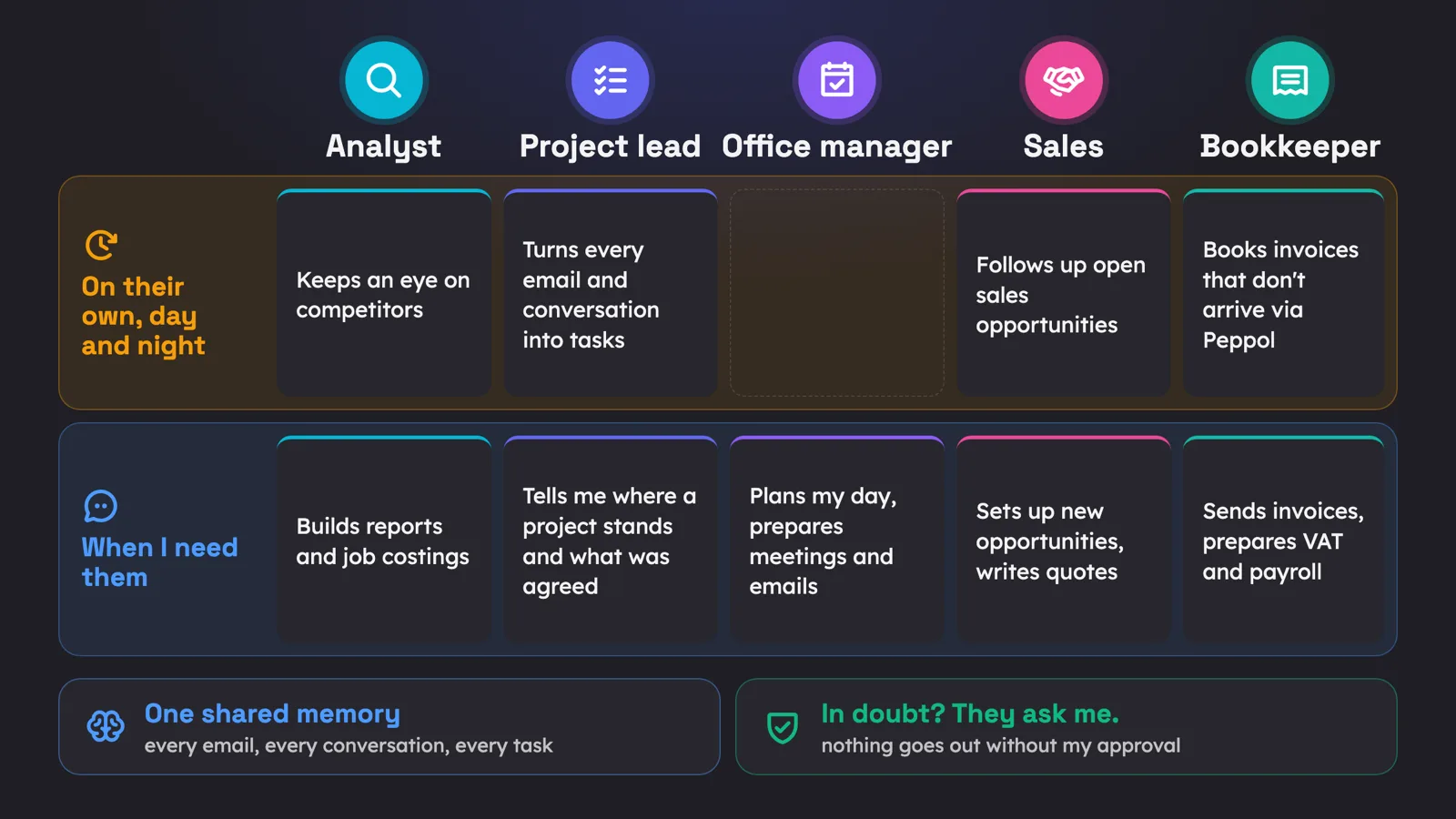
- Internal work can run automatically. Saving a report, creating a task, completing a customer record.
- Anything that goes out is checked by a person. An email, a quote, an appointment.
How do I keep track of price requests to subcontractors? Not by having AI search your whole mailbox every time. That is slow and expensive. Give every price request a status in your CRM or task list. After five days without an answer, a follow-up is drafted for you.
Does it read my private messages too? Only what you connect. You choose what goes in and who sees it. How to set that up is described in not everyone needs to see everything.
What does it cost? You start with a subscription and one connection, your mailbox for example. You only need us when a system has no standard connector, or when it has to run automatically at high volume. The difference is explained in Claude subscription or API key?
Four things to remember
- Connector. Connect communication, ERP, recordings and files.
- Skill. Write down your procedure, step by step.
- Project. Keep together what belongs to one customer or job.
- Control. Check before it goes out. Nothing leaves on its own.

We never walk in to say it can be done with fewer people. The goal is that the time saved goes to customers, and to growth with the same team.
More about what we do for contractors and installers is on our construction page. Want to know what this means for your jobs? Feel free to ask your question below.