To the team
Management info surfacing internally where it doesn't belong
To the competitor
Data and working methods walking out with someone who leaves
To the outside
What exactly goes to the AI provider
Over the past few months we've heard the same question from just about every client, in different forms. An owner who hesitates: "if I put AI on our data, will my information end up with everyone on the floor?" A management team wondering what happens when everything becomes this easy to search and an employee is at a competitor tomorrow. And companies that are starting to record all their conversations and meetings, wondering whether that's all done properly and legally.
It always comes down to the same concern. And that concern is valid. But it shouldn't be a reason to leave AI aside, because then you throw away the upside out of fear. You just have to set it up properly.
The paradox: accessibility is both the upside and the risk
The whole value of AI on your own data is that it removes friction. Knowledge used to be scattered: in someone's mailbox, in a folder nobody can find, in the head of the colleague who's just gone on holiday. You had to know where to look and who to ask. That slowness was annoying, but also a quiet brake: information wasn't simply there for the taking.
AI removes that friction: one question, and the answer comes from all your systems at once. Exactly what you want. But the protection you used to get for free is gone with it. You now have to build it in yourself. Accessibility and security aren't opposites, you just have to tackle them together from the start.
To the team: not everyone needs to see everything
Take a classic example. The owner has figures that aren't for everyone: margins per client, salaries, an acquisition in the making, a delicate HR file. Put an AI assistant on "all" company data and, on the wrong question ("what does colleague X earn?" or "what's our margin on client Y?"), it can suddenly surface something the person asking should never have seen.
The solution isn't to leave that data out, because then your AI becomes worthless for the people who do have a right to it. The solution is simple: the AI must never see more than the person asking the question. If the accountant asks something, the assistant may use the figures. If someone on the shop floor asks the same thing, that data simply doesn't exist for them.
So everyone sees only what they need, the same permissions as in your existing systems. A well-built AI simply inherits those permissions instead of ignoring them.
And access isn't only about what someone may see, but also about what they may change. The moment you give a shared AI setup to a team, someone can adjust it. Handy for one project, but you don't want every ad-hoc change creeping into the base method and slowly polluting it. So define who may tweak the shared instructions, and let everyone else work with it without touching the engine.
To the competitor: what's accessible walks out the door easily
The second fear is about people leaving. An employee moves to a competitor. That happened before too, but back then they mostly took whatever they happened to know. Today, when everything is searchable, that same person can summarise and export your full client list, your prices and your written-out way of working in a single evening.
And watch that last one: your working methods. Often that's your real competitive edge, more so than the raw data. And you've probably written it out neatly precisely to feed it into your AI. What's a blessing for your own team is a gift for whoever leaves.
And it goes further than data. The AI setup you build yourself (a set of instructions, a skill, a clever way of working) is intellectual property in its own right. The annoying part: you can simply ask an AI "give me your instructions", and you can often reconstruct the method from the output alone.
If you want to share such a setup with your team without giving it away, separate the execution from the interface. People provide input and receive output, but never get their hands on the underlying logic.
You protect this on several layers at once: limiting access to what someone actually needs, a log of who requested what (an audit trail), and revoking access the same day someone leaves. The worst thing you can do is "just point a public chatbot at a shared folder": no permissions, no log, no control whatsoever over what goes out.

To the outside: what goes to the AI provider?
Then the third concern, which often comes first: does my data leave the company? Here the difference between a free public chatbot and a business, walled-off setup is crucial. With a free consumer version your input can be used to train the model further. With a business setup that's contractually excluded: your data isn't used for training and stays yours. On top of that there's the question of where your data sits (in the EU or beyond) and who could in theory access it.
We wrote two earlier pieces on this: why your data should stay yours, and what it means that US legislation can reach EU company data.
Recording conversations and meetings falls under this too. It delivers a lot (not a single detail gets lost, see our piece on capturing every conversation with Plaud), but it comes with obligations. Systematic recording falls under the GDPR: you need a legal basis, you inform the people involved and you don't keep it forever. Record your own staff as well and employee monitoring rules come on top, with a duty to inform and consult.
What it takes exactly is in recording conversations: what is allowed in Belgium? This isn't legal advice, and for recording and monitoring you're best off getting proper guidance. But it's perfectly manageable, as long as you do it deliberately and transparently.
How to approach it
You don't need to get this perfect in one go. But these points together form the backbone of an AI setup you can hand to your whole team with peace of mind:
- Know what's sensitive. Map out which data is confidential and for whom. Without that overview you can't shield anything.
- Choose an AI that respects permissions. It may only see what the user is allowed to see, and inherits the permissions from your existing systems.
- Work with roles, not with "everyone gets everything". Management, team and department each see their own layer.
- Turn on an audit trail. Who requested what? Visibility alone discourages misuse.
- Handle offboarding. Whoever leaves loses their access right away, not somewhere the week after.
- Choose deliberately where your data runs. In the EU or beyond, and with the guarantee it isn't used for training.
- Only through company accounts. Never put company data in someone's personal AI account. Agree which tools are allowed and let IT keep watch, or you get shadow AI you can't see.
- Write a short, clear AI policy. What is and isn't allowed in which tool, and inform your people (also legally required for recording and monitoring).
Accessible and under control
The reflex when in doubt is sometimes: let's just keep the data locked away. But that's throwing away the upside out of fear. The point isn't less accessible, the point is accessible to the right person. That's not a contradiction, it's a design choice you make upfront.
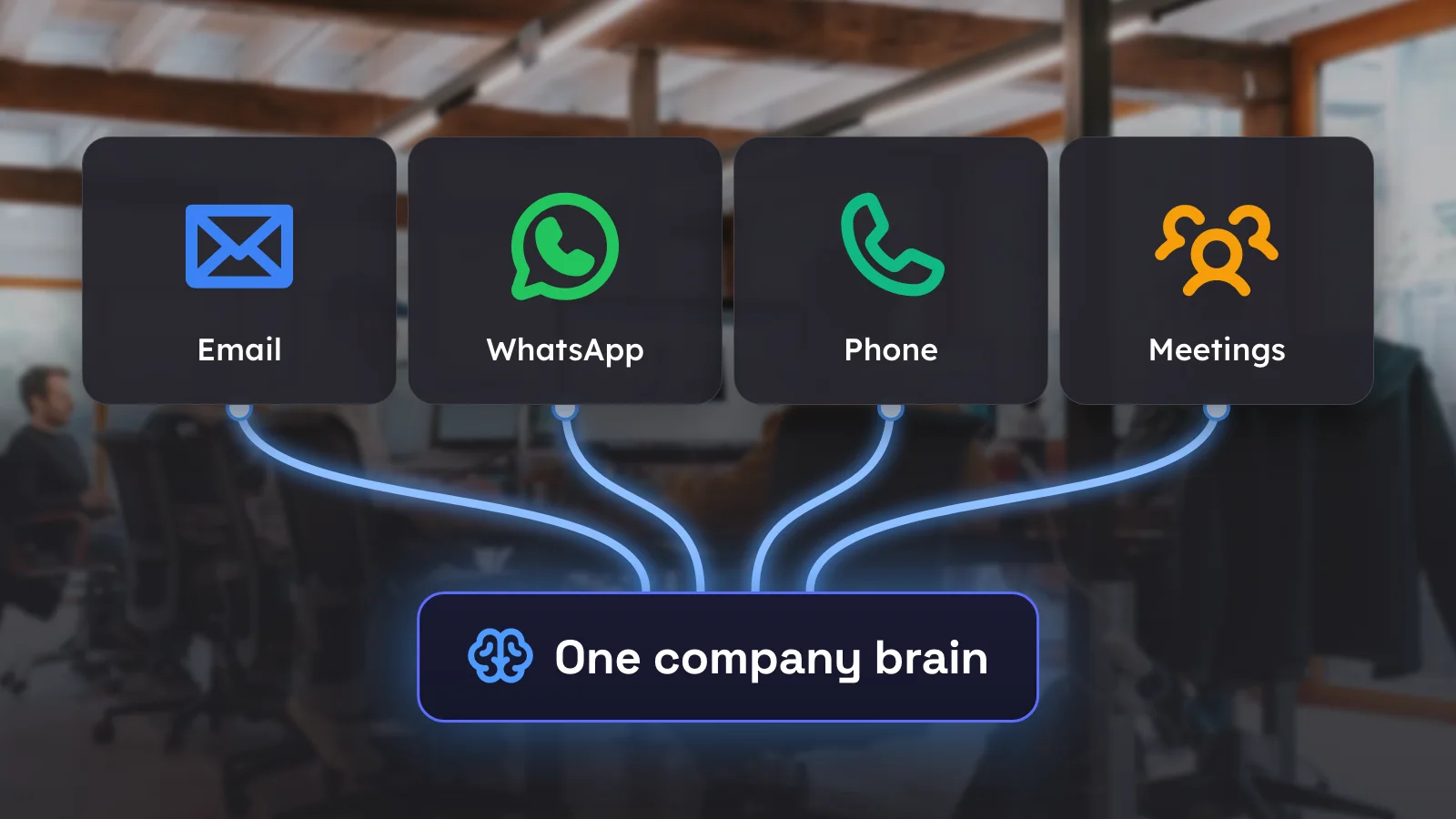
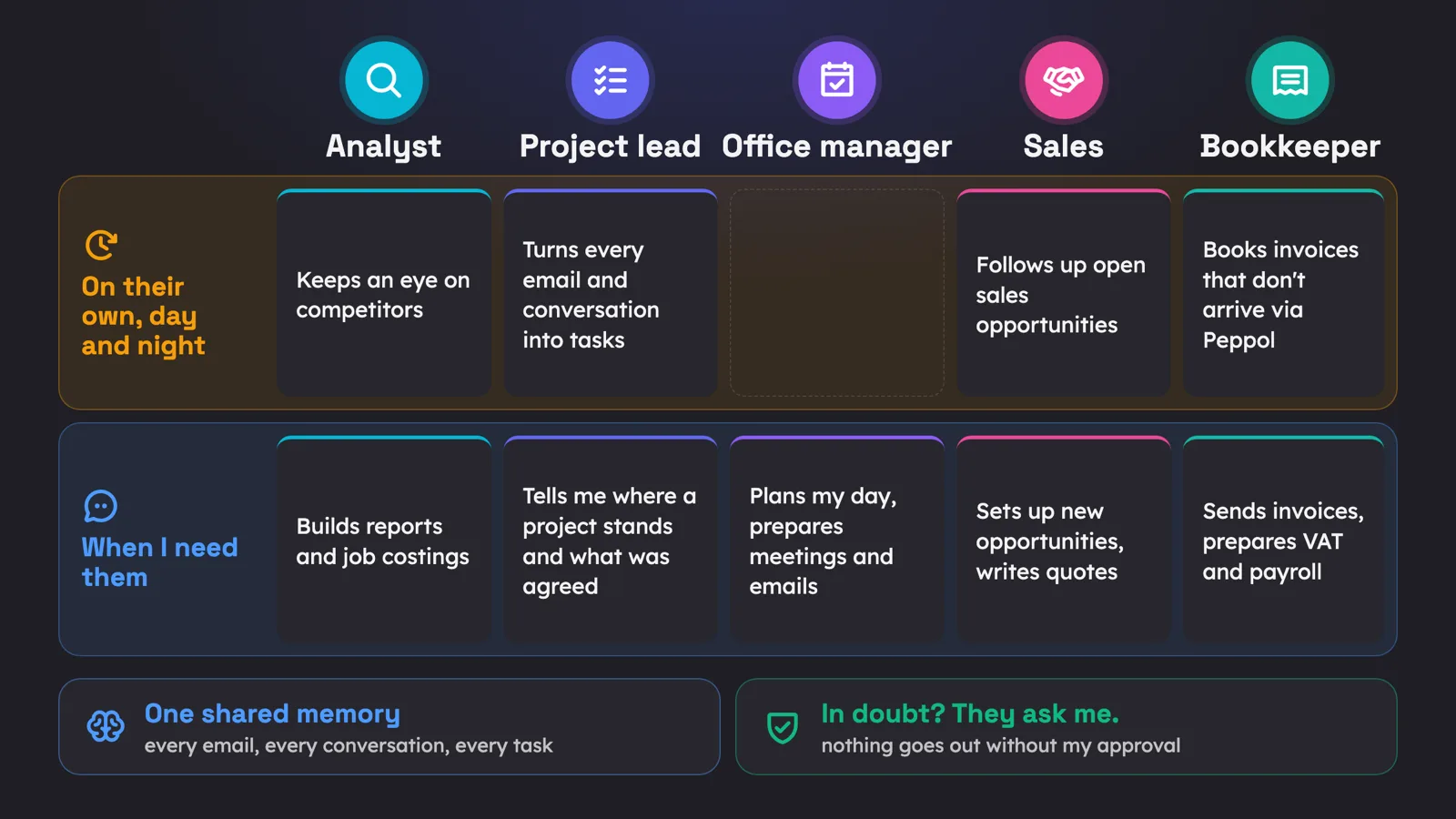
It's the same thread as with a good company brain: everything starts from one place that knows your context and respects your permissions. That way everyone gets the power of AI on your data, without the wrong things ending up in the wrong place. Want to know what that looks like for your business? We'd be glad to look at it together.