For many businesses, WhatsApp is the channel where customers reply fastest. A solar panel installer put it this way: "We have a landline, and people don't really pick up anymore. I get a lot through WhatsApp." A padel academy that teaches at around fifteen clubs does almost all of its communication through WhatsApp, because its customers value that personal contact.
But it stays manual work. Copying and pasting messages, questions that get lost among the rest, and nobody who knows who still needs to reply. AI can do a lot here, as long as you know which route serves which purpose.
Three ways to use WhatsApp
- Away and greeting messages
- Labels and quick replies
- Everything else is manual

- Summarise, search and draft replies
- Schedule a message
- Just for you, at human pace
- Agents that read and reply day and night
- Notifications to hundreds of customers
- Approved templates, price per message
You probably know the WhatsApp Business app already. It is free and has a few automatic messages built in: a greeting for new contacts, an away message when you are travelling, quick replies and labels to organise conversations. Handy, but everything else you type yourself.
If you want to go further, there are two routes, and the sensible approach keeps the choice simple. Everything that goes to customers automatically runs through the official Business API. Your own WhatsApp in Claude is for your own comfort: summarising, looking things up and drafting the occasional message.
WhatsApp in Claude: your own assistant
Linking your own WhatsApp to Claude works like WhatsApp on your computer: Claude is attached to your account as an extra linked device and can read your conversations and send messages. I use it myself every day. After a morning full of meetings, I ask Claude: "Summarise the WhatsApp messages from this morning. Which ones do I still need to answer?" Claude goes through the conversations and tells me, per person, what was asked and what still needs a reply from me.
What else it can do:
- Search. "What did Jan say about the delivery last month?" Claude looks it up, in groups too.
- Draft a reply. Claude writes a proposal in your own style, because it can read your earlier messages. You read it and decide whether it can go.
- Schedule. Is it 11 pm and do you still want to let someone know something? "Send that tomorrow at 9." The message is queued and leaves at the agreed time.
- Combine. Because Claude is also connected to your email, calendar and CRM, it can answer a WhatsApp question with what you know about that customer.
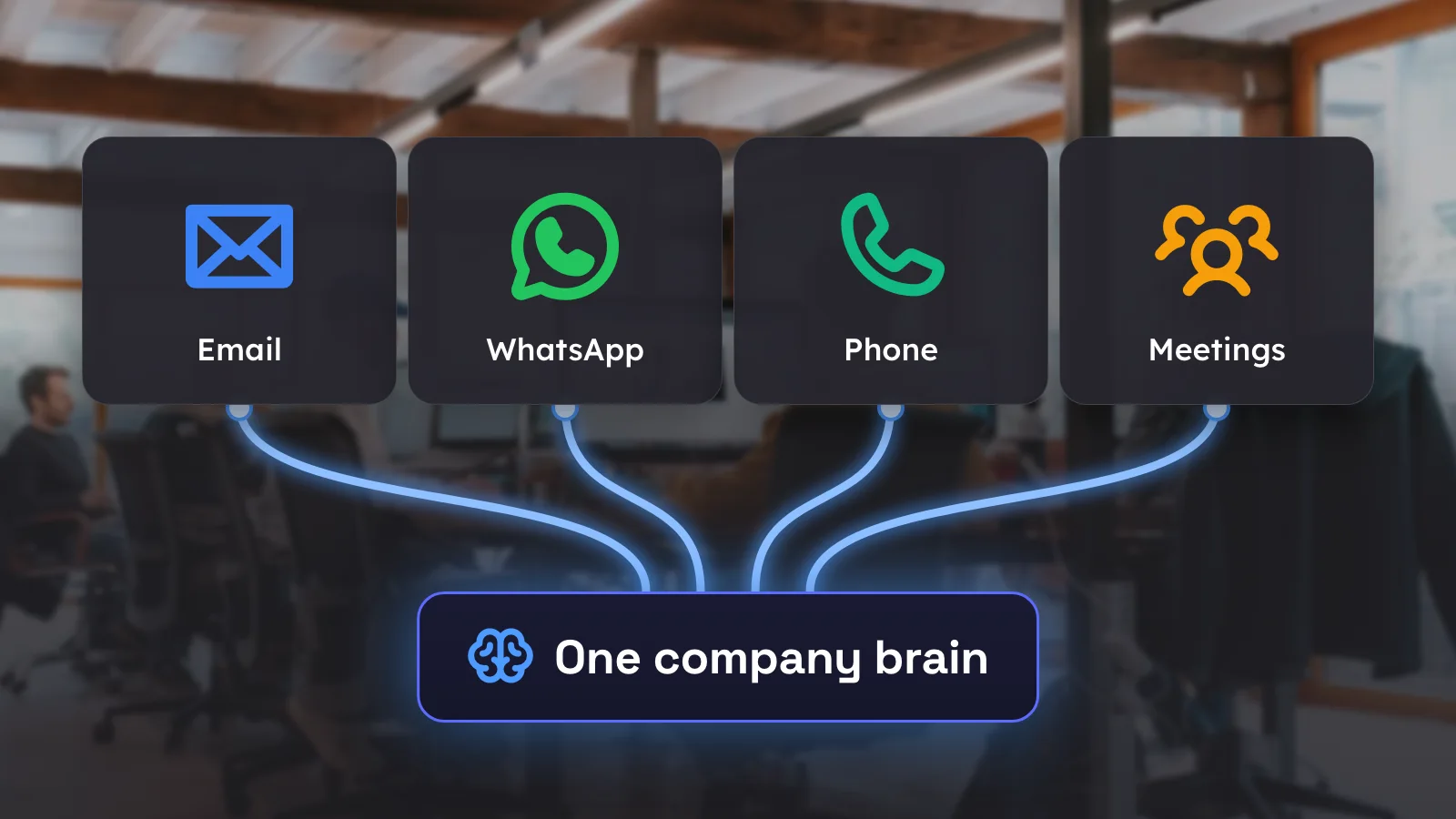
That makes WhatsApp one of the channels in my own AI OS, also called Claude OS: a handful of AI colleagues working in the background. You can see what that looks like in practice in Five AI colleagues working with me day and night. For a whole team it goes a step further: WhatsApp, email, phone and meetings come together in a shared company brain that everyone can search.
There are limits, though. A link like this runs on your own computer, so when it is off, nothing happens. If you also want to use it on your phone on the go, it can run on a computer at the office that is always on. And it is meant for personal use, at a human pace. Under WhatsApp's terms of service, automation on a regular account is not actually allowed. As long as you occasionally have a message drafted that you check yourself, that is not much different from typing it. A small agent that summarises your messages every morning or prepares a reminder for you works perfectly well. But as soon as you message a hundred customers at once or create groups in bulk, WhatsApp recognises that as a bot. You get temporarily banned first, and if you keep going, that number can be permanently barred from WhatsApp.
Agents that read and send on their own
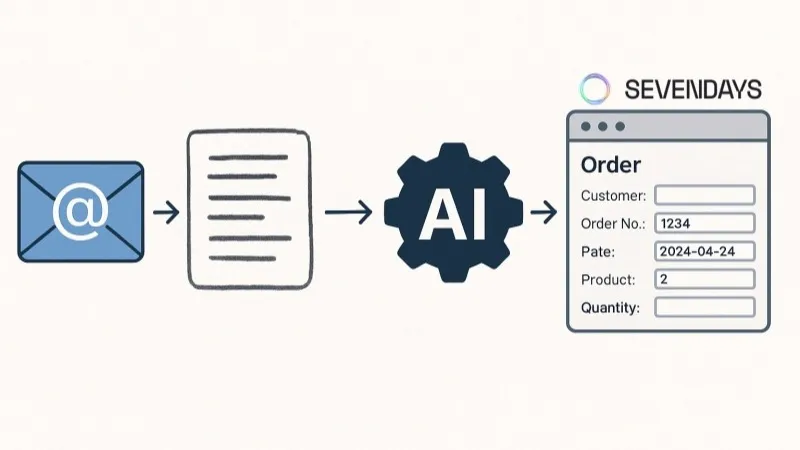
If you want an agent to talk to your customers or send them notifications, you need the Business API, the official way to let software talk to WhatsApp. It works from a business account and runs in the cloud, so it keeps working when your computer is off. An AI agent can read messages there day and night, reply or prepare a reply, and send notifications itself. It takes its knowledge from your own systems: customers and appointments from your CRM, products, prices and deliveries from your ERP, and product information and frequently asked questions from your website.

Over the past month, this came up with our clients in three forms.
Notifications: keep customers informed
The solar panel installer has around 400 installations a year inspected and registered with the grid operator. Customers regularly call to ask whether their inspection hasn't been forgotten, because other installers have forgotten before. "They call through every channel, and every time we have to drop what we're doing to look something up for a customer." One colleague took the question, a second looked up the date. Together they spent a quarter of an hour on it, for a single answer.
The solution is an automatic notification at every step: quote approved, installation planned, inspection scheduled, registered with the grid operator. If a customer still asks a question, the agent looks up how far the installation has got and answers straight away. Nobody has to look anything up anymore.
At the padel academy, it is about lesson messages. Today every lesson series gets its own WhatsApp group, adding up to hundreds of groups per lesson cycle. That is where the welcome message goes, the holidays, a lesson cancelled because of rain on an outdoor court or a sick coach. Everything is copied and pasted by hand. With the API, the system sends those messages itself, personally to each participant, straight from the lesson schedule.
- Starts from the lesson schedule. When a lesson is cancelled, every participant immediately gets a personal message.
- Reply with one tap. Buttons under the message, so the customer doesn't have to type anything.
- The agent keeps looking. If the make-up lesson doesn't work, it suggests another lesson at the same level.
- Privacy taken care of. No more groups, so nobody sees the numbers or messages of the other participants.
Why not just automate the groups? Because then you are doing exactly what WhatsApp recognises as bot behaviour: your number can be banned, and then all of your customer communication stops. On top of that, everyone in a group sees everyone's number, and a question in a busy group has no owner. The owner of the academy wondered out loud: "How many things are overlooked because everyone posts in a group like that?" If participants want to arrange things among themselves, a group can stay, but as a place for them, not as the channel for your notifications.
Intake: ask the right questions first
A property manager gets reports from tenants through WhatsApp: a leak, a broken doorbell, heating that doesn't work. Half of the information is often missing: which building, which flat, since when? An agent first looks up the number. If it belongs to a known tenant, it immediately knows which building and which flat it is about. If it doesn't recognise the number, it asks. Then it asks for whatever is still missing, such as since when and a photo, and creates an internal ticket for the property manager with everything in it.
Questions about a trip: AI drafts, a person sends
A travel agency gets questions like "when does our flight leave again?". The answer is in the booking confirmations for that trip. An agent can look it up and draft a reply. But here the travel agency wants a colleague to read it first: "The last thing we want is for customers to feel there's a bot behind it."
That is a good instinct. Start with drafts that someone approves. Only when those answers have been right for weeks do you let the agent answer the simplest questions on its own.
If you use the WhatsApp Business app today, you don't have to give it up for this. You can link the same number to the Business API, which Meta calls coexistence. You keep replying in the app, while notifications and the agent run through the API, and conversations from the past six months come along. Groups and broadcast lists do drop away, but those are exactly what you want to avoid. A personal WhatsApp number can't be linked this way, only a Business app number.
What does it cost?
Through the Business API you pay Meta per message. In Belgium that is around one and a half cents for a notification or a reply, and around five cents for a marketing message. Every month, the first 1,000 replies to customer questions are free. For the padel academy, we estimate Meta's bill at a few dozen euros a month at most, not hundreds. Prices change regularly, so always check Meta's current price list.
Which rules apply?
- Consent. You may only message people who gave you their number and said they want to receive messages from you. Pulling numbers out of existing groups and turning them into a mailing list is not something you can just do.
- Templates. If you want to start a conversation yourself, you use a template that Meta approves in advance. You can make as many as you like, with fields that are filled in automatically: the name, the date, the lesson time.
- Replies within 24 hours. When a customer sends you a message, you can reply freely for the next 24 hours, with AI too.
- A person always within reach. An agent may reply, but the customer must be able to reach a colleague easily. And anyone talking to AI without someone reading along has to know it. More on that in our article on AI and the law.
- An assistant for your own customers. Since January 2026, Meta no longer allows general-purpose chatbots on WhatsApp, such as a ChatGPT inside WhatsApp. An agent that helps your own customers with their booking, order or question is allowed.
Build once, use it for email and phone too
WhatsApp is one channel. For most clients, the same question also comes in by email or phone: "has my inspection been forgotten?" can just as well be an email. The good news: most of the work isn't in WhatsApp itself.
What you build has three layers:
- The integrations with your CRM, your ERP and your website, so the agent knows what it is talking about.
- The agreements: what the agent may answer on its own, when it drafts a reply and when it hands over to a colleague.
- The inbox, where every question gets an owner and a status: open, waiting for customer or closed. For a small team, a ready-made package or the WhatsApp integration of HubSpot or Odoo is often enough. With many users, or when the inbox has to work with your own planning, an inbox of your own is often better value.
Those three layers are the same for every channel. The channel is just the door the question comes in through. That is why we start with one channel and one type of question, for example status questions through WhatsApp, at first with replies that someone approves. Once those are right, you connect the mailbox to the same agent: emails land in the same inbox, with the same knowledge and the same agreements. The phone works the same way, as you can read in our article on the AI phone assistant. Each extra channel then costs only a fraction of the first.
Where do you start?
First look at which messages you send by hand today, and to how many people. If it is about yourself, your own conversations and a few messages a day, a link in Claude gets you results quickly. If it is about notifications to hundreds of customers, or an agent that replies on its own, you go for the Business API. And if you use groups to reach many people at once, move away from those first. Not sure which route fits your business? Feel free to ask your question below.