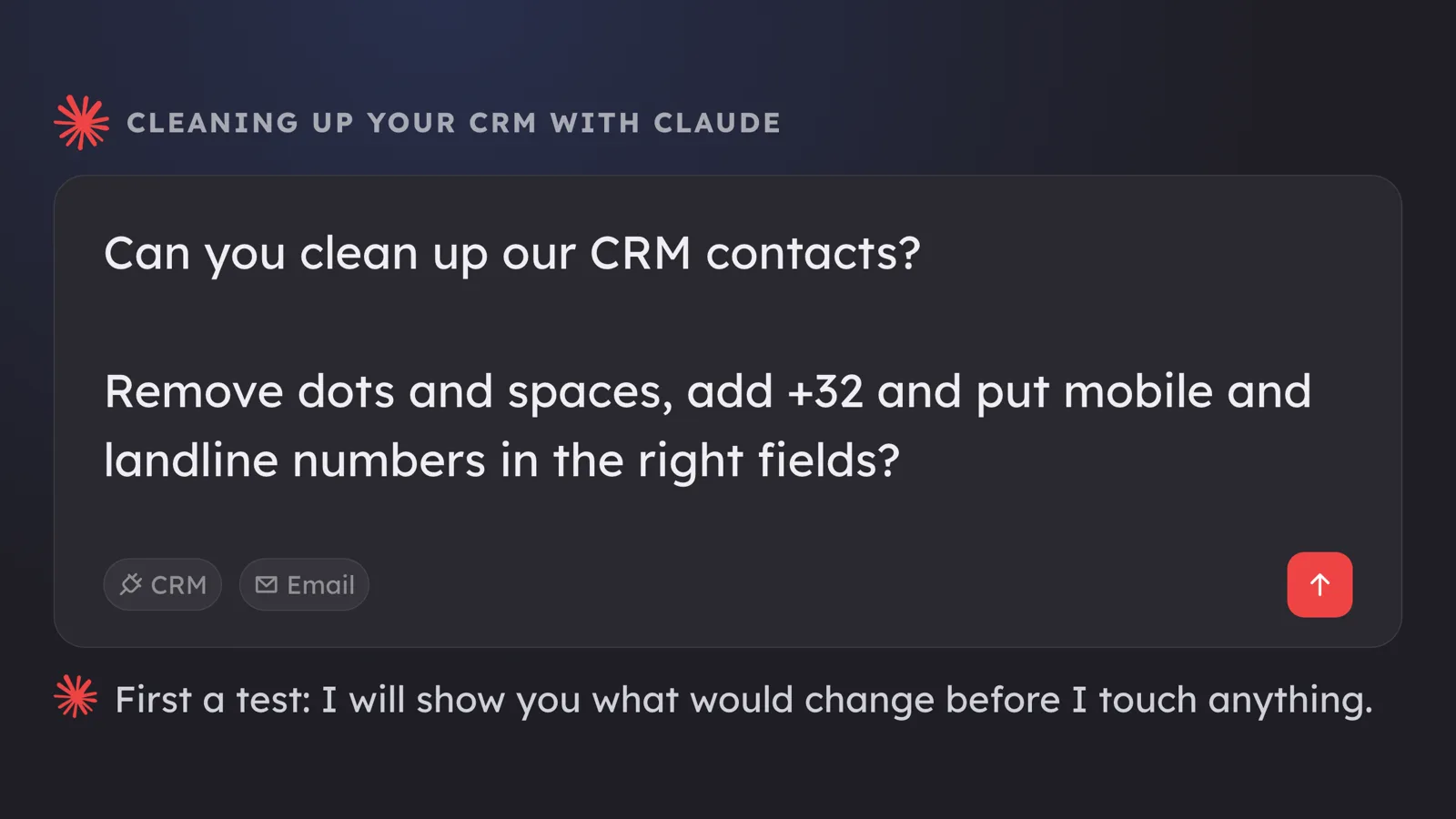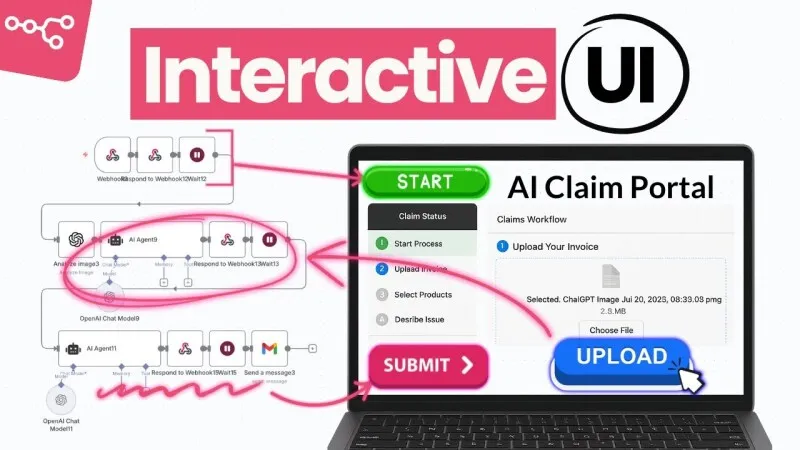
It comes up more and more in our conversations. A business owner or someone from operations proudly shows an app they put together themselves with Claude, ChatGPT or Lovable. Their own CRM, a planning tool for the technicians, a customer portal. Without writing a single line of code themselves. And straight away comes the question: can we build on this, and cancel those expensive licences?
What has changed?
Custom software used to be something for large companies. Building your own CRM or internal application took so much time and money that an off-the-shelf package was almost always the logical choice. You paid per user per month, and you adapted the way you work to the package.
AI has shifted that calculation:
Big players are weighing it up too. In 2024, Klarna's CEO said the company would replace Salesforce and Workday with its own software, built with the help of AI. Not every company is Klarna, but the "build or buy" question is back on the table, for smaller companies as well.
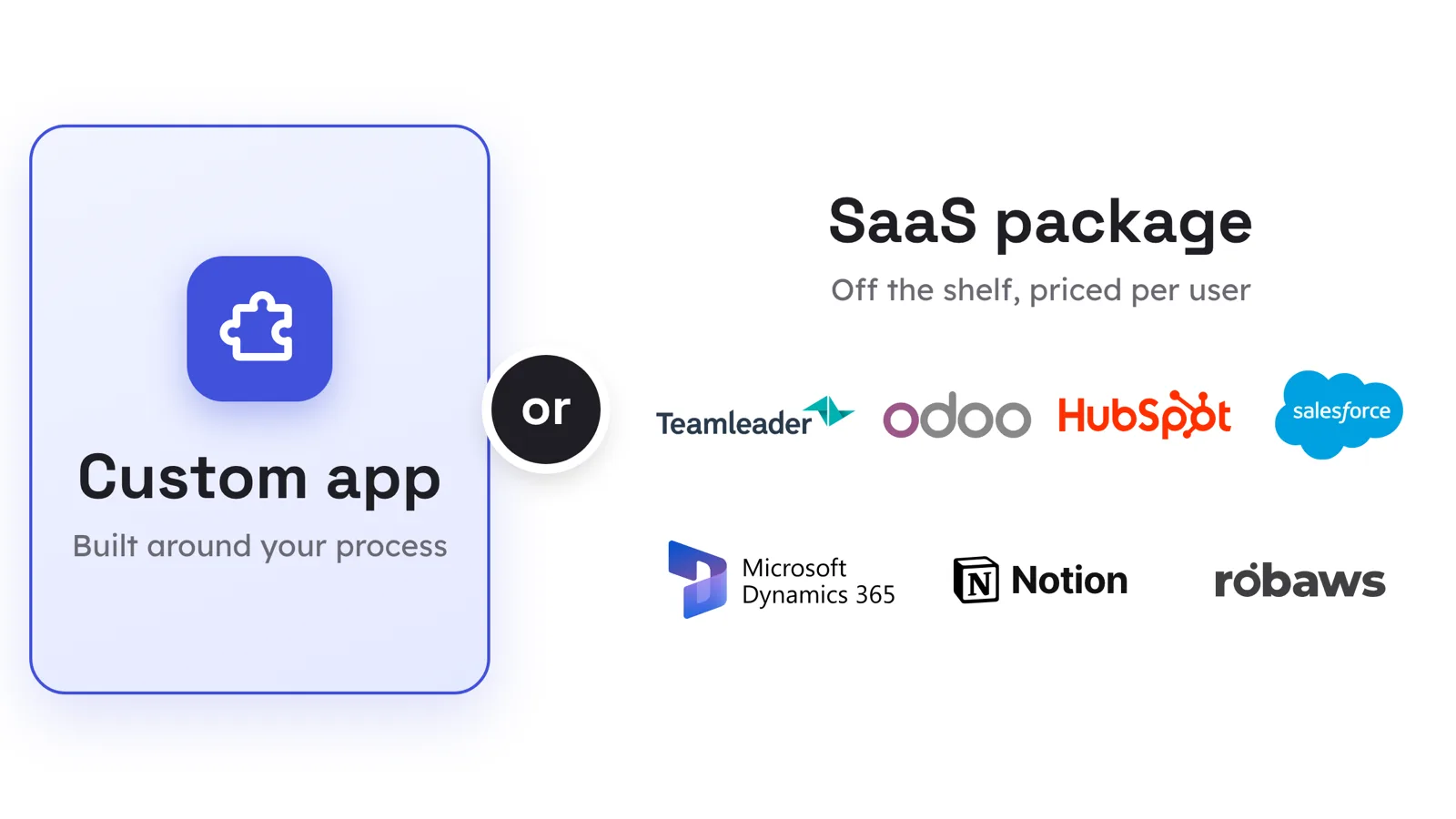
Your own app and SaaS side by side
Take a CRM, or an internal application for planning, quotes or follow-up. This is how the two compare:
AdvantageDisadvantageDepends
| Your own appCustom, built around your process | SaaS packageReady-made, per user per month | |
|---|---|---|
| Fit with your process | Built around how you work. Only the screens and fields you actually need. (Advantage) | Built for thousands of companies. You adapt how you work, or you find a workaround. (Disadvantage) |
| Getting started | A few weeks to a few months of building and testing. (Disadvantage) | Often up and running the same day. (Advantage) |
| Costs | Upfront investment, then hosting and maintenance. (Disadvantage) | No upfront investment. You do pay a licence per user per month, often with extra costs for modules or a higher tier. (Advantage) |
| As you grow | An extra user costs next to nothing. (Advantage) | Every extra user is an extra licence. (Disadvantage) |
| New features | You decide what gets added and when. You do pay for the development. (Depends) | The vendor decides. You get new features at no extra cost, including ones you don't need. (Depends) |
| Maintenance and security | Your responsibility: updates, backups and monitoring. Yourself or through a partner. (Disadvantage) | Handled by the vendor. (Advantage) |
| Integrations | You build exactly the integration you need. (Advantage) | Standard integrations are there right away. Anything out of the ordinary is often limited or paid. (Depends) |
| Data and ownership | Code and data are yours, on a server you choose. (Advantage) | Your data sits with the vendor. Exporting is possible, but not always complete. (Disadvantage) |
| Where your data lives | You choose where your app runs, for example with a European provider such as Hetzner or OVHcloud. Your data then doesn't fall under US law such as the CLOUD Act. (Advantage) | Many packages are American. Even with a European data centre, the US government can then request access to your data. European packages exist, but the choice is smaller. (Disadvantage) |
| Dependency | On whoever maintains the code. Readable, standard code can be taken over by someone else. (Depends) | On the vendor: price increases, new terms or a product that is discontinued. (Disadvantage) |
| Reliability | New software. Some bugs only surface once it's in use, so thorough testing is needed. (Disadvantage) | A proven product, tested every day by thousands of users. (Advantage) |
| Manuals and training | A manual and training for your team are up to you, or you have them made. (Disadvantage) | Manuals, videos and a helpdesk are already there. (Advantage) |
| AI | You choose which AI works where, on all your data. (Advantage) | The AI features the vendor offers, often as a paid add-on. (Depends) |
When do you choose SaaS?
- The process is the same everywhere: accounting, payroll, email, calendar.
- You need something fast, and the package already does 90% of what you want.
- Nobody can look after maintenance and security.
- Few users, so a limited licence cost.
When does your own app pay off?
- The way you work sets you apart from competitors.
- Many paying users, each using only a small part.
- You retype data between three or four packages.
- You want AI on all your data, without waiting for your vendor.
Often it isn't either-or. Your accounting and email stay in a package, and the part that is specific to your business you build yourself, connected to those packages.
Choose a package for what everyone does the same way,
and custom software for what sets you apart.
Fewer screens, more AI
There's something else at play. More and more people control their software through Claude, ChatGPT or Copilot. They ask in plain language which quotes are still open or who is free on Tuesday, and the AI looks it up or carries it out in the application. That works through a connection, for example with MCP.
 Claude
That changes what an application needs to do. Fewer screens and buttons of its own: what used to take five menus, you now ask in one sentence. What remains is the core. A good data layer with your data, your rules and who can see what. And visualisations for what you want to see at a glance, such as a schedule, a dashboard or a map.
For the choice between building and buying, that makes a big difference. Your own app no longer has to do everything itself, so it gets smaller and faster to build. SaaS packages are getting such connections too, but there the vendor decides what the AI can see and do.
The risks of building it yourself with AI
Building a first version with AI is surprisingly fast. The problem comes later, once the app is in use and has to keep working. Let AI write code without a fixed structure, and after a while you see the same things every time. A solid framework catches those risks:
A prototype is built in no time.
Software that lasts for years is not.
Build on a solid framework
That makes the foundation the most important choice when you build your own. A framework is a base with fixed agreements on how code is structured, and with ready-made parts for what every application needs. Well-known examples are Laravel, Django, Ruby on Rails and .NET. They have been around for many years and are used and improved by a large community worldwide.
The larger and more established the framework, the better the AI knows it. Claude and ChatGPT write better and more consistent code in it than in a home-made structure.
Which of those frameworks you choose matters less than you might think. Each has its strengths, and a debate about which one is best rarely leads anywhere. What does matter: no loose collection of scripts the AI pieces together on its own.
The framework itself isn't what matters most.
Using one does, with a partner who knows it.
We have been building custom applications on Laravel for years, and we work with Claude Code every day. The AI writes a large part of the code, a developer sets the structure and approves everything before it goes live.
Have you already built a prototype with AI yourself? That's an excellent starting point. It shows exactly what you need, and that makes the conversation much more concrete. Together we look at what you can keep, and turn it into a solid base you can use for years. Read more about how we build custom apps.
Where do you start?
Make a list of the packages you pay for today: how many users, what it costs per year and which part you actually use. Often that is only a fraction of all the features, while you pay for the full package. Then pick one process where the package pinches the most, or where you retype the most. Not sure whether your own app pays off there? Feel free to ask your question below.