In today’s digital landscape, seamless data flow between business systems is not just a luxury, it’s essential.
For many companies, the backbone of operations is their ERP (Enterprise Resource Planning) system, while customer-facing teams rely on a robust CRM (Customer Relationship Management) platform.
But how do you bring them together efficiently?
At Sevendays, we help businesses navigate this complex but rewarding integration. Here's what you need to consider.
Which systems are involved?
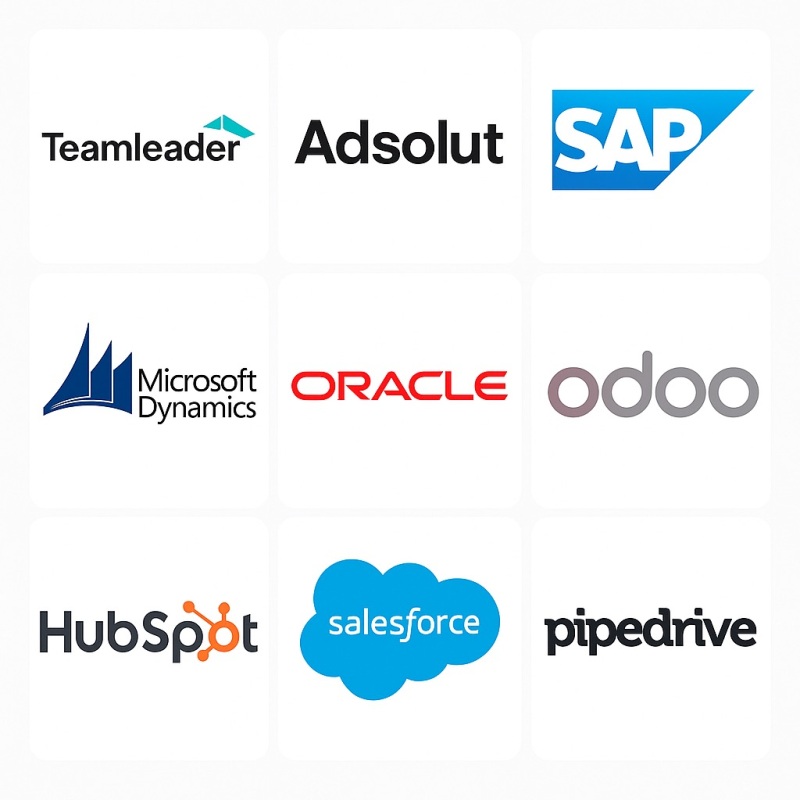
Before initiating integration, it’s vital to identify the specific ERP and CRM systems you're working with. Are you using Teamleader, Adsolut, SAP, Microsoft Dynamics, Oracle, Odoo, or another ERP?
On the CRM side, is it HubSpot, Salesforce, Pipedrive or something else?
Each system has its own APIs, data structures, and limitations.
Understanding these early is crucial for planning the integration roadmap.
Key functional questions to address
To ensure a successful ERP – CRM integration, ask yourself:
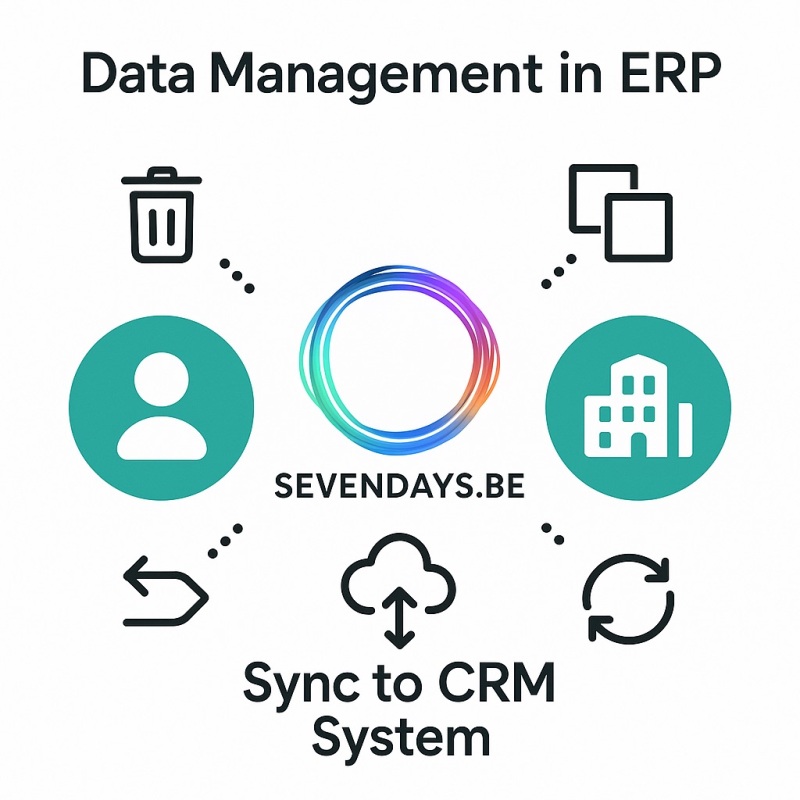
Data management in ERP
Can you delete, duplicate, merge, or change associations of companies or contacts within your ERP? These capabilities will affect how data syncs and updates in the CRM.
Integration feasibility & limitations
Is it technically possible to integrate these systems? Are there API limitations, licensing barriers, or third-party middleware options required?
Existing & future Integrations
- What native or third-party integrations already exist?
- Will you need custom-built connectors?
- What additional integrations might become necessary (e.g., with email marketing tools or e-commerce platforms)?
What native or third-party integrations already exist?
Will you need custom-built connectors?
What additional integrations might become necessary (e.g., with email marketing tools or e-commerce platforms)?
What data should be synchronized?
Your integration scope should include more than just contact and company data.
Companies & Contacts
- Essential for account and relationship management.
- Decide which fields (addresses, sector, role, etc.) must be synced.
Essential for account and relationship management.
Decide which fields (addresses, sector, role, etc.) must be synced.
Products & Pricing
- If transferring product data to the CRM, determine which attributes (name, SKU, categories, standard and promotional prices, currency, etc.) are relevant.
- Do you have a large product catalog? More than 10000 products?
If transferring product data to the CRM, determine which attributes (name, SKU, categories, standard and promotional prices, currency, etc.) are relevant.
Do you have a large product catalog? More than 10000 products?
Product Information Management (PIM)
- If you already use a PIM, we need to determine if it should also be integrated into the CRM or remain isolated.
If you already use a PIM, we need to determine if it should also be integrated into the CRM or remain isolated.
Currencies & Tax Settings
- Do you operate outside the Eurozone?
- Do you apply multiple tax rates? This impacts pricing logic, deal forecasting, and quoting in the CRM.
Do you operate outside the Eurozone?
Do you apply multiple tax rates? This impacts pricing logic, deal forecasting, and quoting in the CRM.
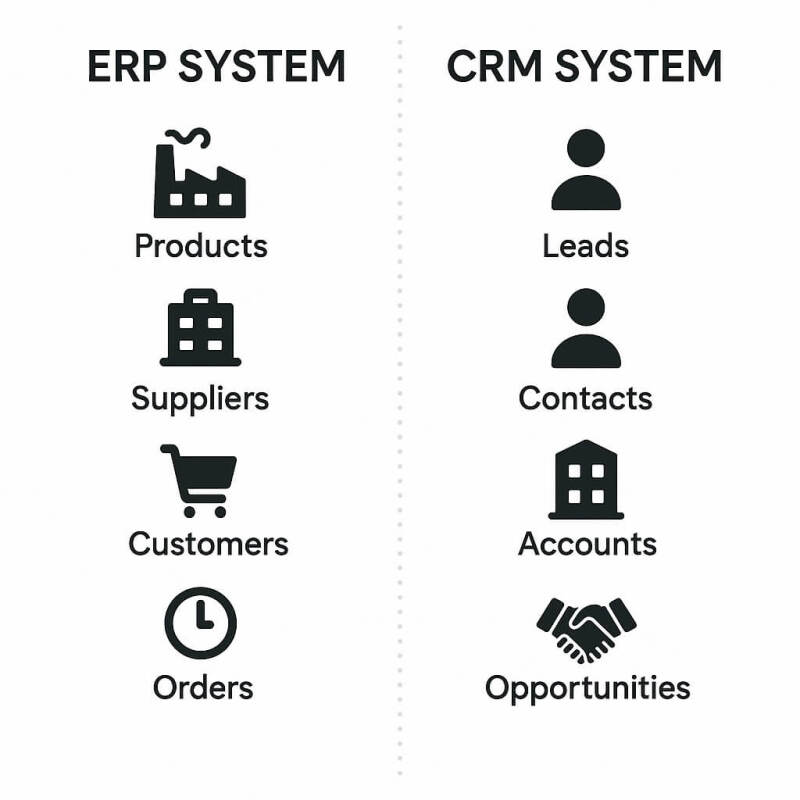
What should be visible in the CRM?
Different CRM modules cater to different business needs. Here’s a breakdown of essential visibility:
At the Company Level
Industry, number of employees, turnover, ERP account status, outstanding invoices, and historical sales.
At the Contact Level
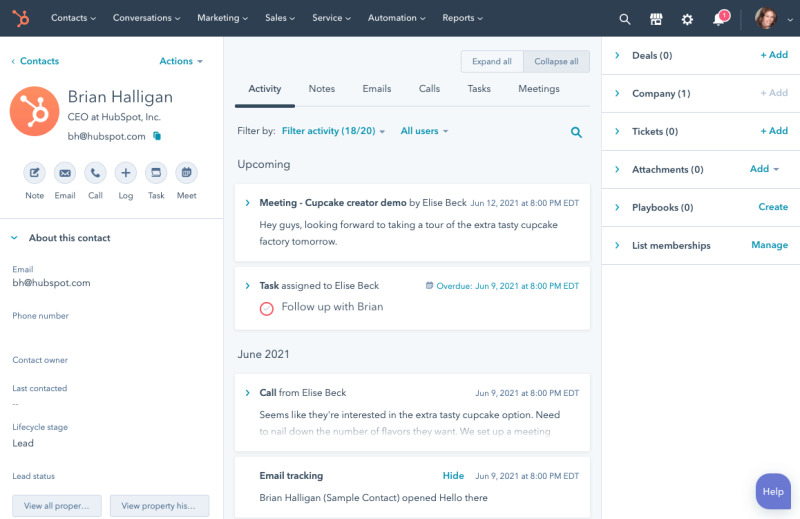
Role, communication history, past service requests, and personalized interactions.
At the Opportunity/Deal Level
Quoted amount, product mix, estimated close date, stage, sales rep assigned, and relevant documents.
Customer service and reporting
Service Hub / Ticketing
- Do you need tickets?
- Do you need asset-linked support requests (e.g., machines with serial numbers)?
Do you need tickets?
Do you need asset-linked support requests (e.g., machines with serial numbers)?
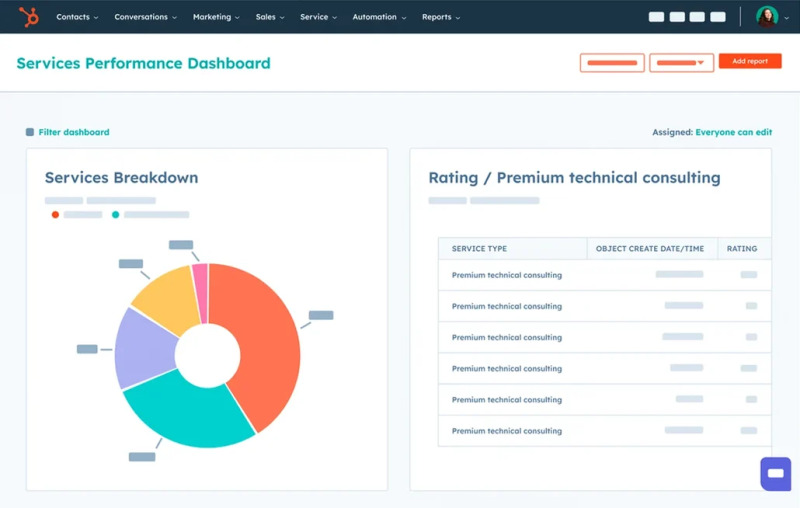
KPI and Report Tracking
- Which metrics matter most? Conversion rates, average deal size, lifetime value, churn rate, support resolution time?
- Specify reports at each level: company, contact, and deal.
Which metrics matter most? Conversion rates, average deal size, lifetime value, churn rate, support resolution time?
Specify reports at each level: company, contact, and deal.
Sales patterns, automation & advanced features
Order frequency
- Do customers make repeated purchases over years?
- How many per year, per customer?
Do customers make repeated purchases over years?
How many per year, per customer?
Upselling & segmentation
- Define segments for upselling (e.g., based on order value, product category, lifecycle stage).
Define segments for upselling (e.g., based on order value, product category, lifecycle stage).
CRM user personas
Who uses the CRM? Custom dashboards should reflect these roles:
- Management for forecasting?
- Sales for pipelines?
- Support for case handling?
Management for forecasting?
Sales for pipelines?
Support for case handling?
Survey internal needs
- Has your team been surveyed on CRM needs?
- Their input will influence workflows, permissions, and training.
Has your team been surveyed on CRM needs?
Their input will influence workflows, permissions, and training.
Tools & portals
Do you need custom:
- Quoting calculators?
- Configurators for product bundles?
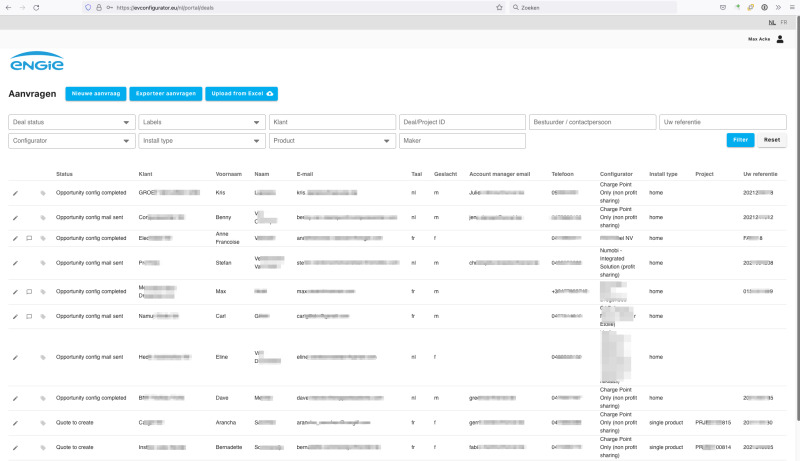
- Customer portal for order tracking, machine history, documentation, and support tickets?
Quoting calculators?
Configurators for product bundles?
Customer portal for order tracking, machine history, documentation, and support tickets?
Automation & AI: boosting efficiency
Communication flows
- What automated messages should be triggered?
- Examples include onboarding emails, renewal alerts, or post-sale follow-ups.
What automated messages should be triggered?
Examples include onboarding emails, renewal alerts, or post-sale follow-ups.
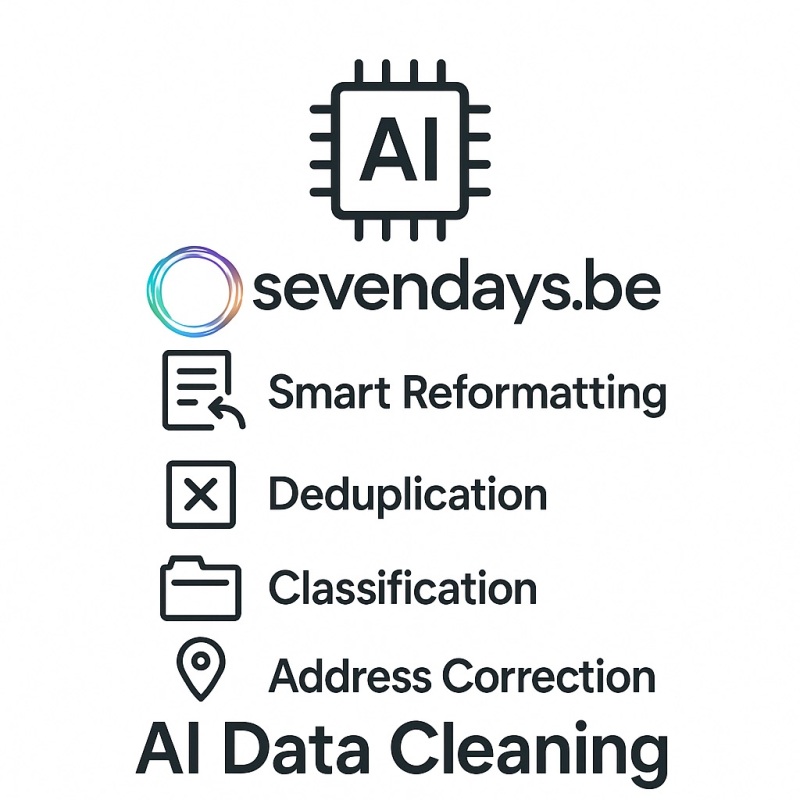
AI data cleaning
Go for smart cleanup AI-powered reformatting, deduplication, classification, address corrections, and language localization.
Testing, training & Go-Live planning
Previous CRM trials
- Did you already use or test other CRM systems?
- What worked or didn’t in other CRM systems?
- Knowing this helps avoid repeat issues.
Did you already use or test other CRM systems?
What worked or didn’t in other CRM systems?
Knowing this helps avoid repeat issues.
Training needs
- Will you need beginner-to-advanced workshops?
- One-time sessions or ongoing support?
Will you need beginner-to-advanced workshops?
One-time sessions or ongoing support?
Go-Live Timeline
- When would you like to launch the integrated system?
- Align internal readiness with vendor availability and training schedules.
When would you like to launch the integrated system?
Align internal readiness with vendor availability and training schedules.

Final thoughts
Integrating your ERP with a CRM is not just about connecting databases.
It’s about designing an intelligent, efficient ecosystem that serves your people and your customers.
At Sevendays, we guide you through:
- the questions
- the design
- the implementation
- and beyond!
the questions
the design
the implementation
and beyond!
Need help with your integration project?